

Reminders
I remind you before. Never after.
A warranty, an AMC, an insurance renewal, a service due: each gets reminders a month, a week and a day before, and on the day. Your own reminders — society dues, the gas cylinder, the maid's leave — sit beside them.
Coming soon to both stores.
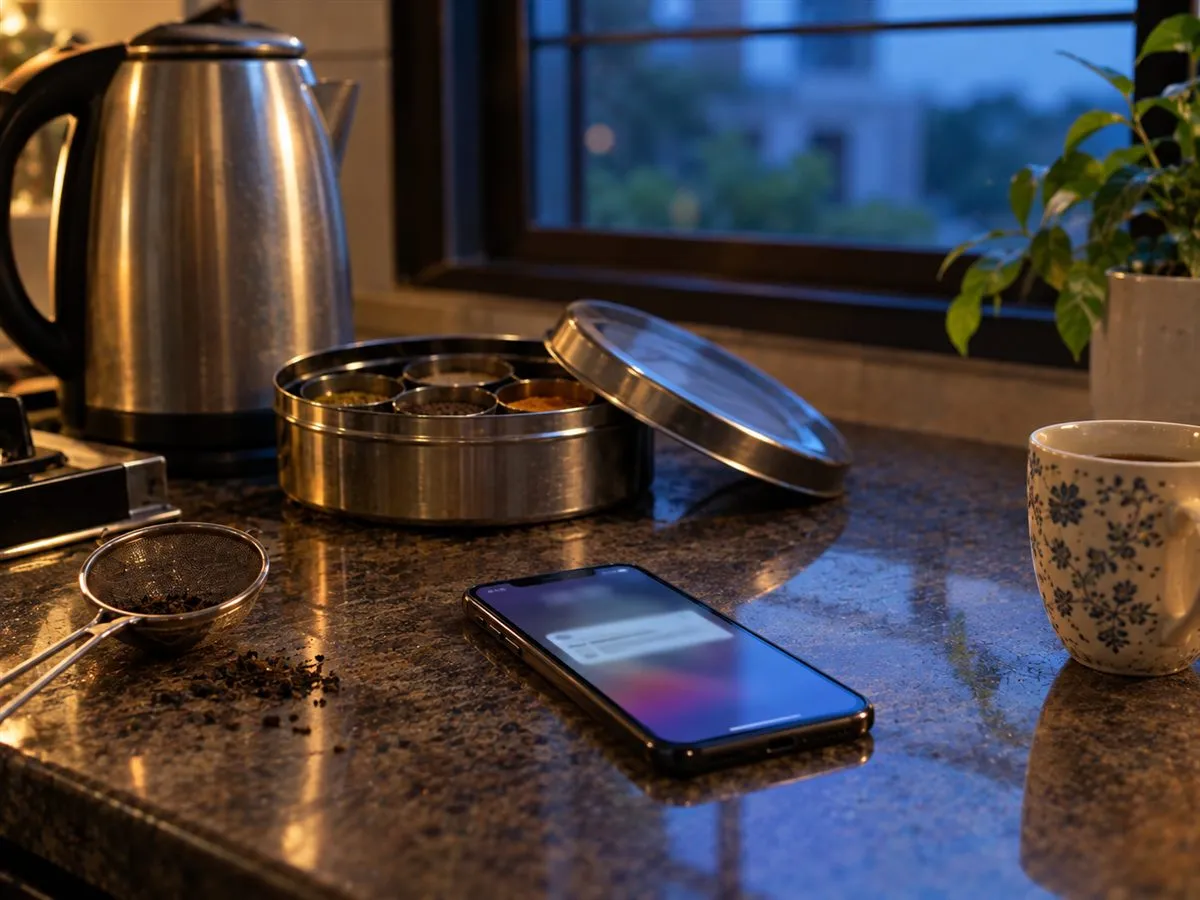
Done, Snooze, or hand it over.
From the notification itself. Snooze picks a sensible next time.
Quiet hours are yours.
No reminder arrives at night unless you say so.
The weekend summary.
Every week, your home in one email: what ended, what’s due, what someone did.
Three screens.
The app, as it is today.
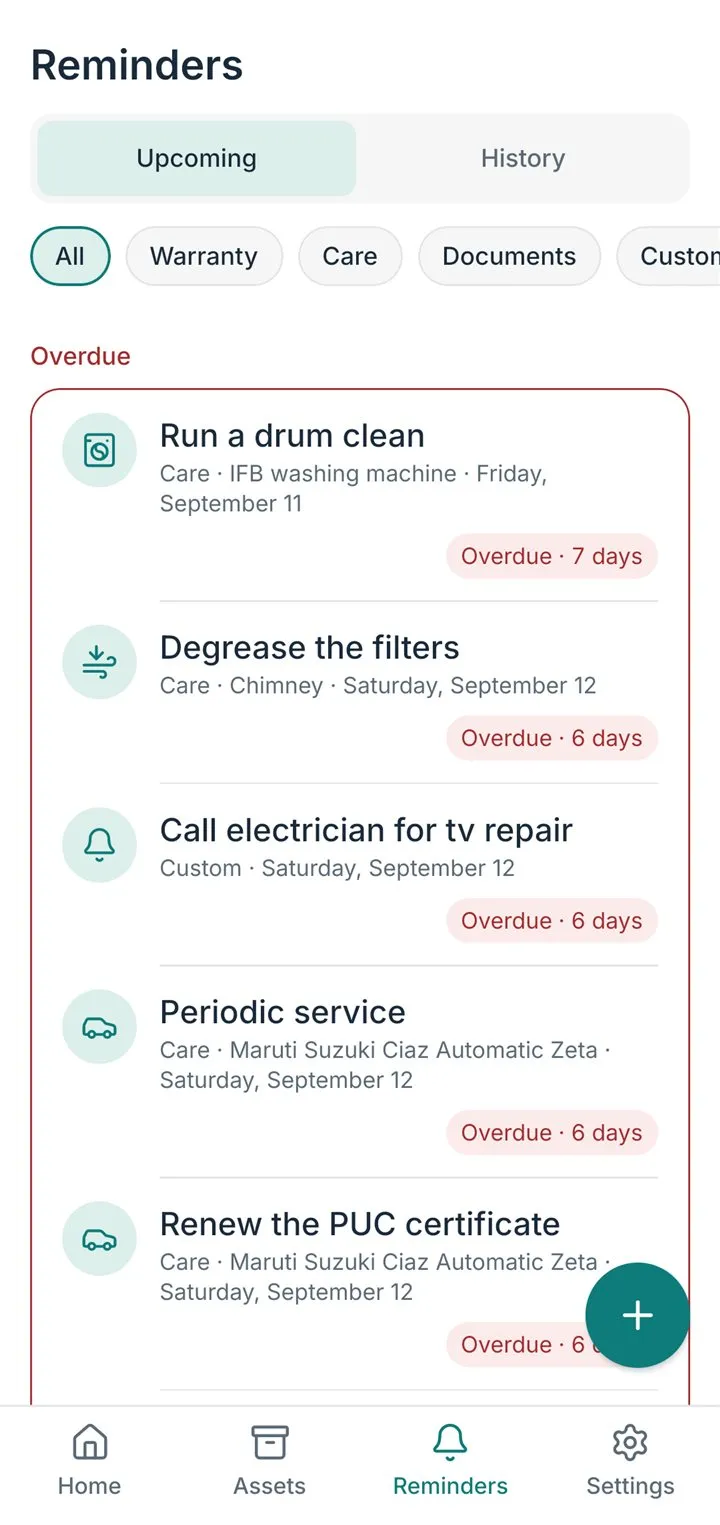
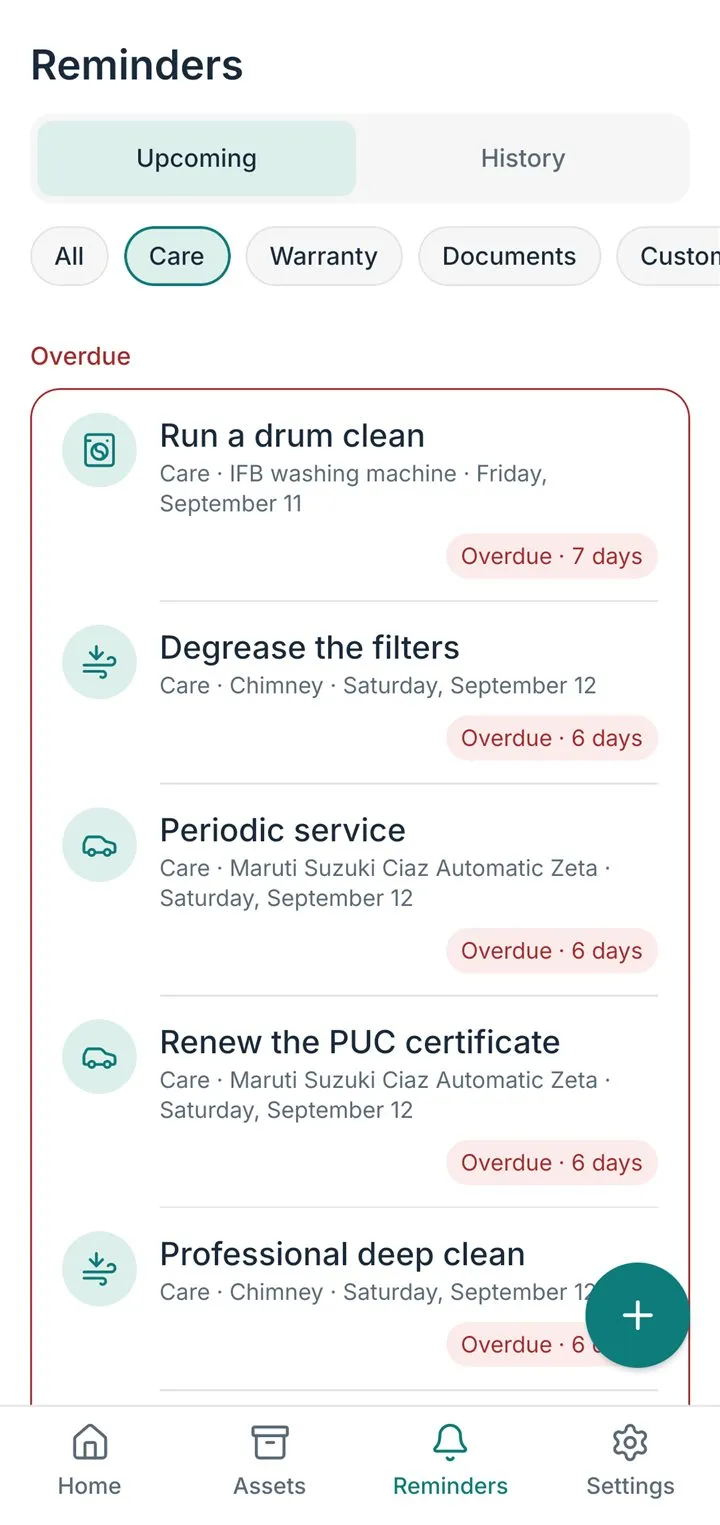
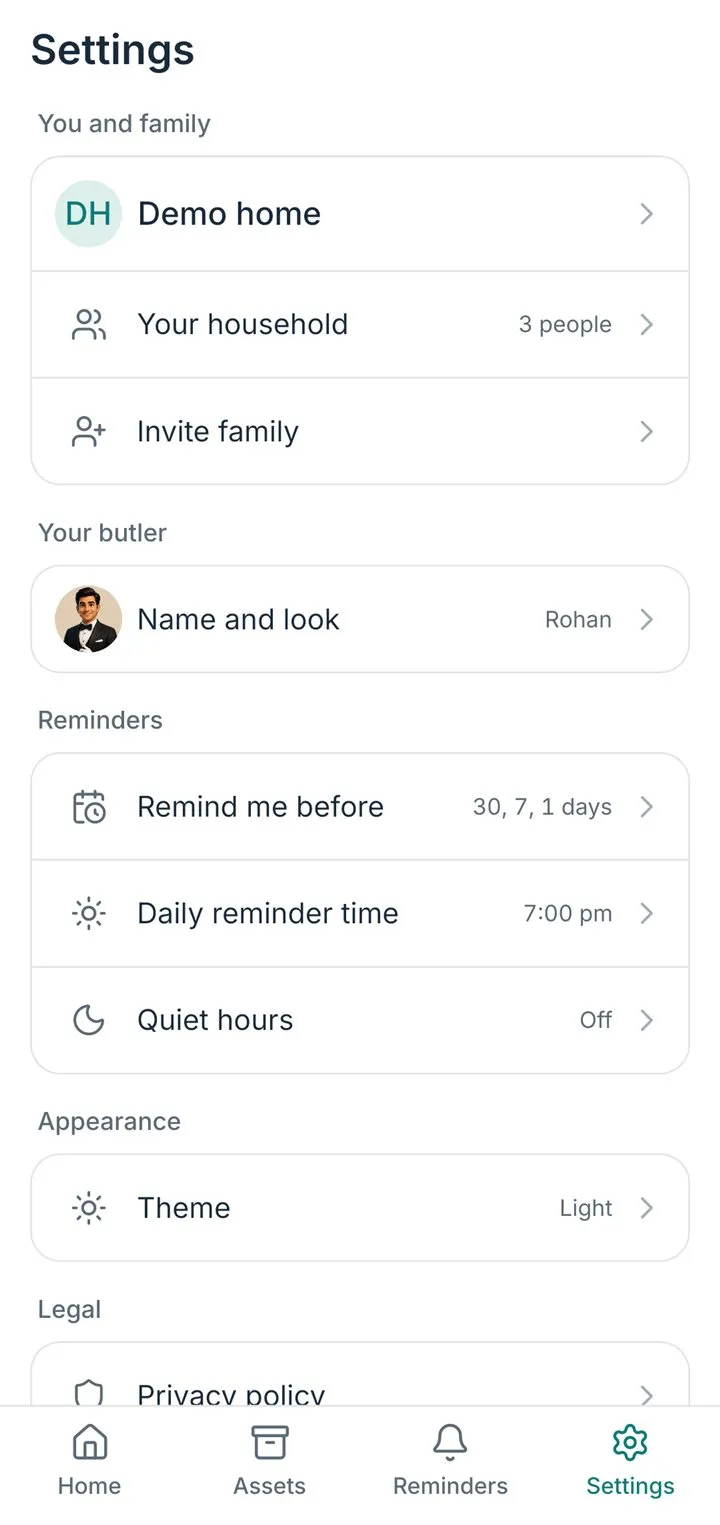
When they arrive
- A month before
- A week before
- The day before
- On the day
The defaults. Change them, and your quiet hours, in Settings → Notifications.
How do reminders work?
I watch every warranty, AMC and date you add, and tell you before it runs out. Care steps for your things come with their own reminders. Anything else, you set yourself.
When do reminders arrive?
A set number of days before the date, at your daily reminder time, and never inside your quiet hours. All three are yours to set in Settings → Notifications. A reminder you set yourself fires at the exact time you chose.
Can I set my own reminders?
Yes — for anything, once or repeating, assigned to yourself or to someone in your home. Tap + on the Reminders tab, or just tell me: "remind me to book the AC service on Friday at 5".
What do Done, Snooze and Dismiss do?
Done closes the reminder; for a warranty or AMC I then ask for the new dates. Snooze brings it back later. Dismiss closes it without a new cycle. Nothing is deleted; the History tab keeps a record.