
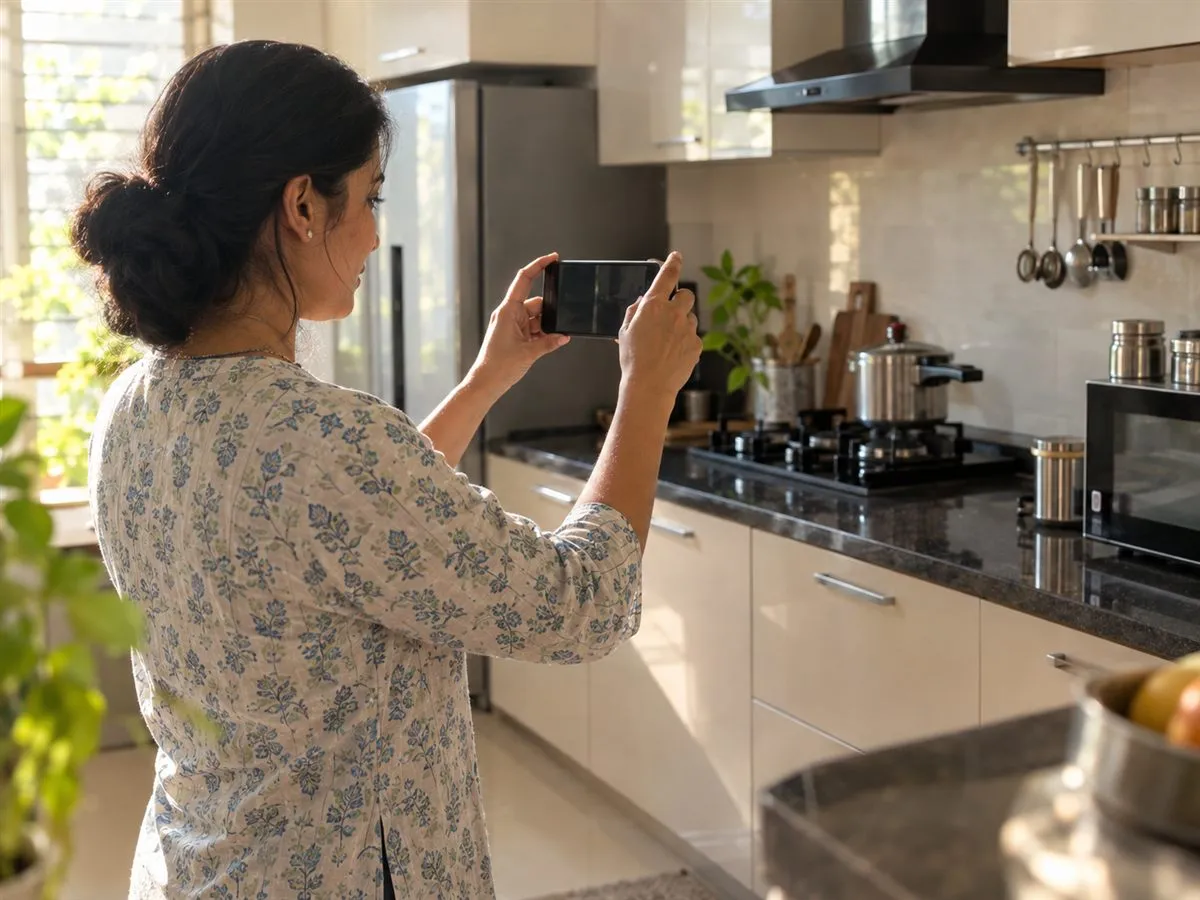
Scan a bill
Your first thing, in one photo.
Photograph the bill — or the product sticker on the back of the machine, or the vehicle's RC. Rohan fills in what he reads and shows how sure he is of each field. You check, you save.
Coming soon to both stores.
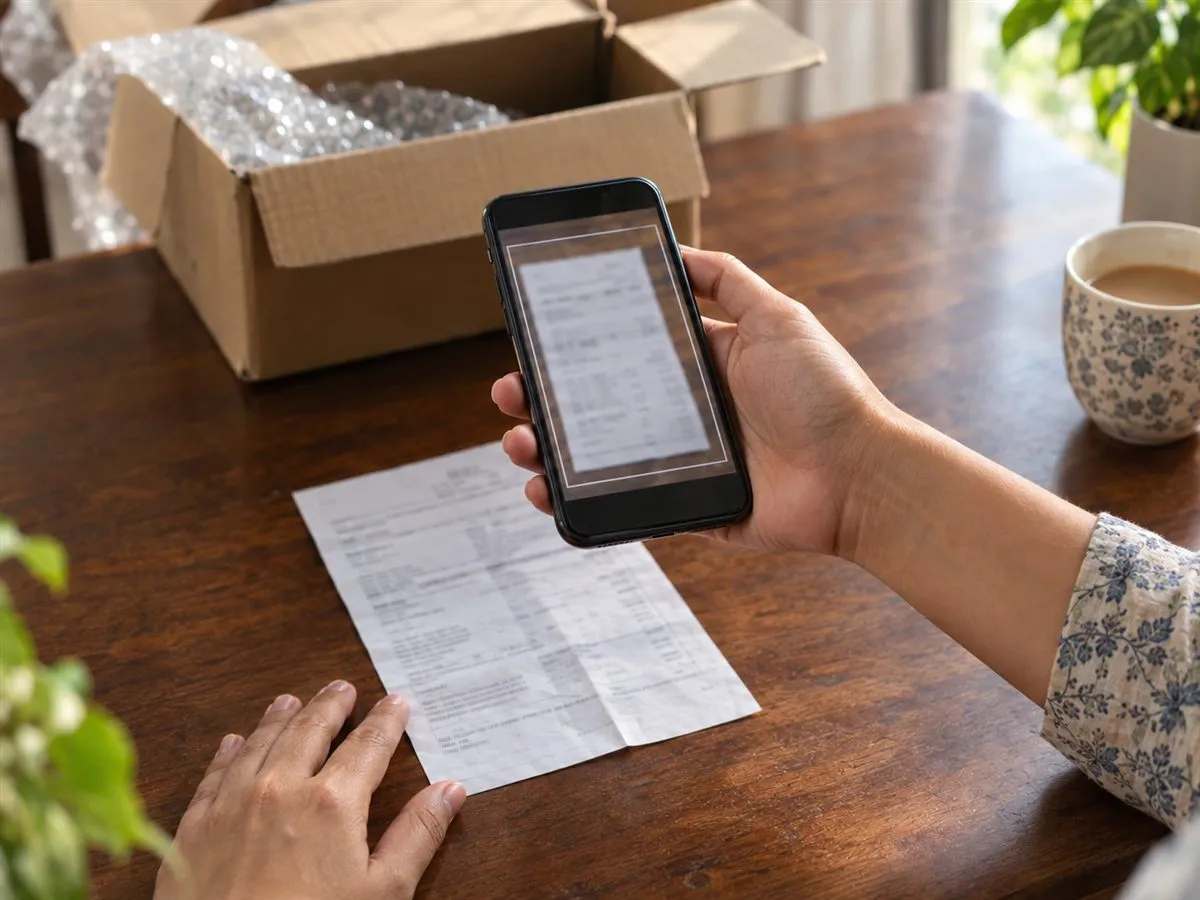
Indian bills, read properly.
GST lines, five products on one bill, a scanned PDF from the dealer's email.
No bill? The sticker will do.
Brand, model and serial from the plate on the back.
A car in one scan.
The RC gives the maker, model, plate, chassis and registration dates; the PUC and insurance dates go on as papers.
Three screens.
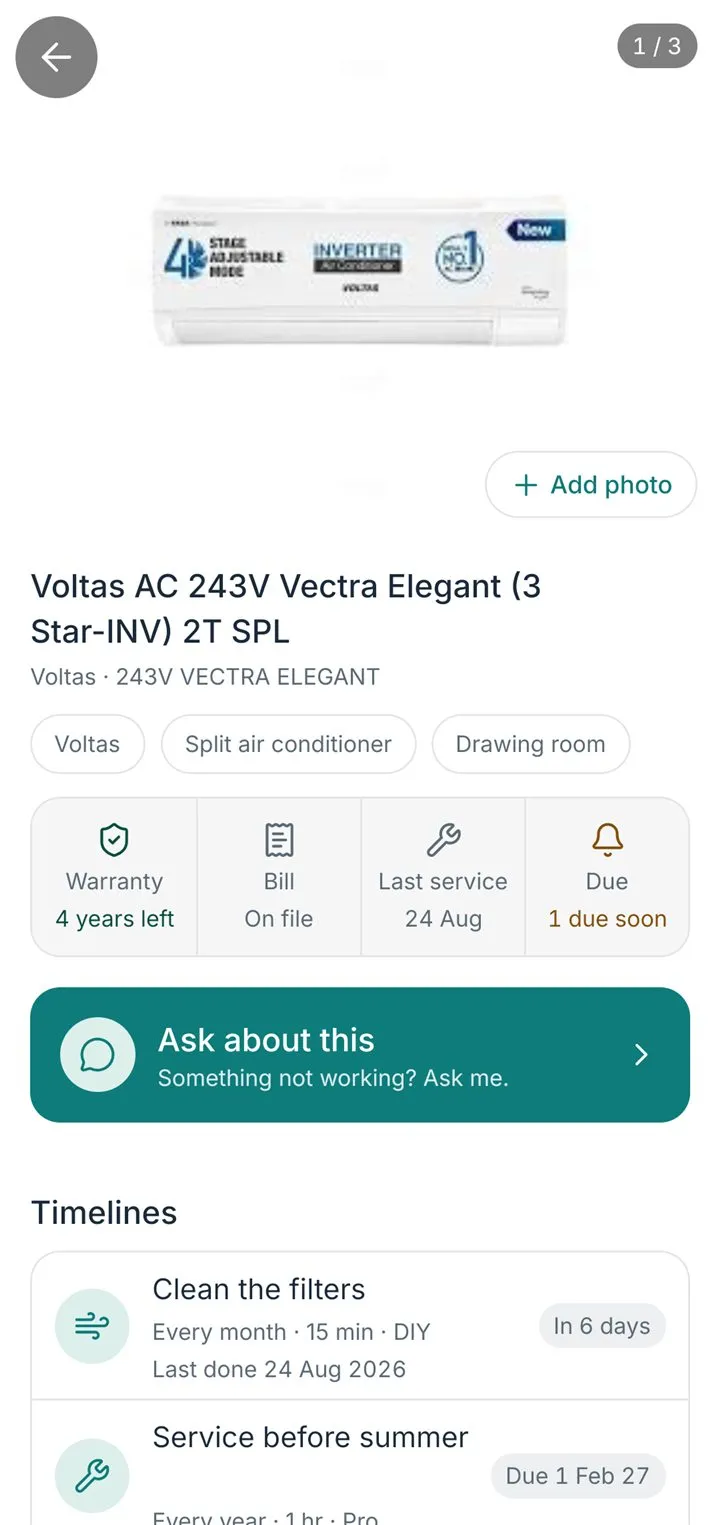
The app, as it is today.
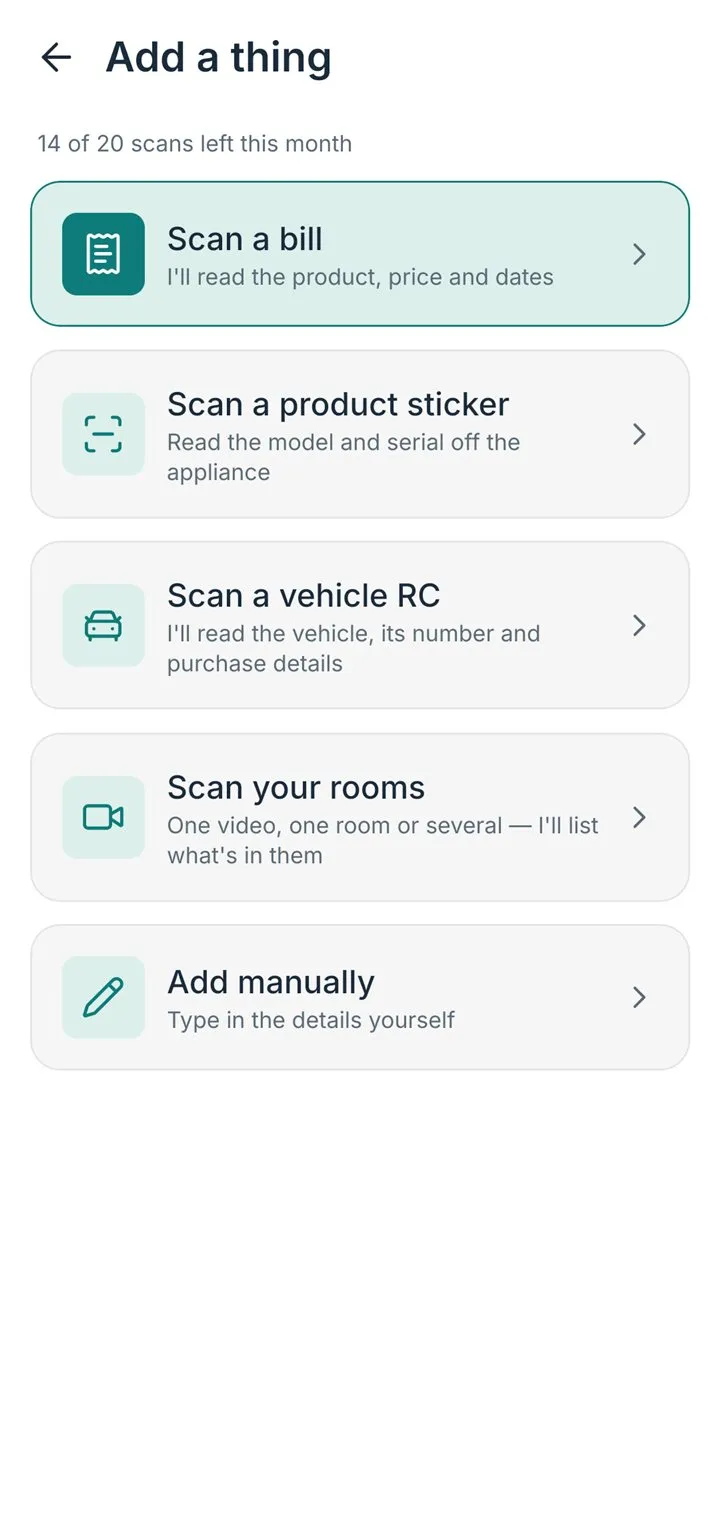
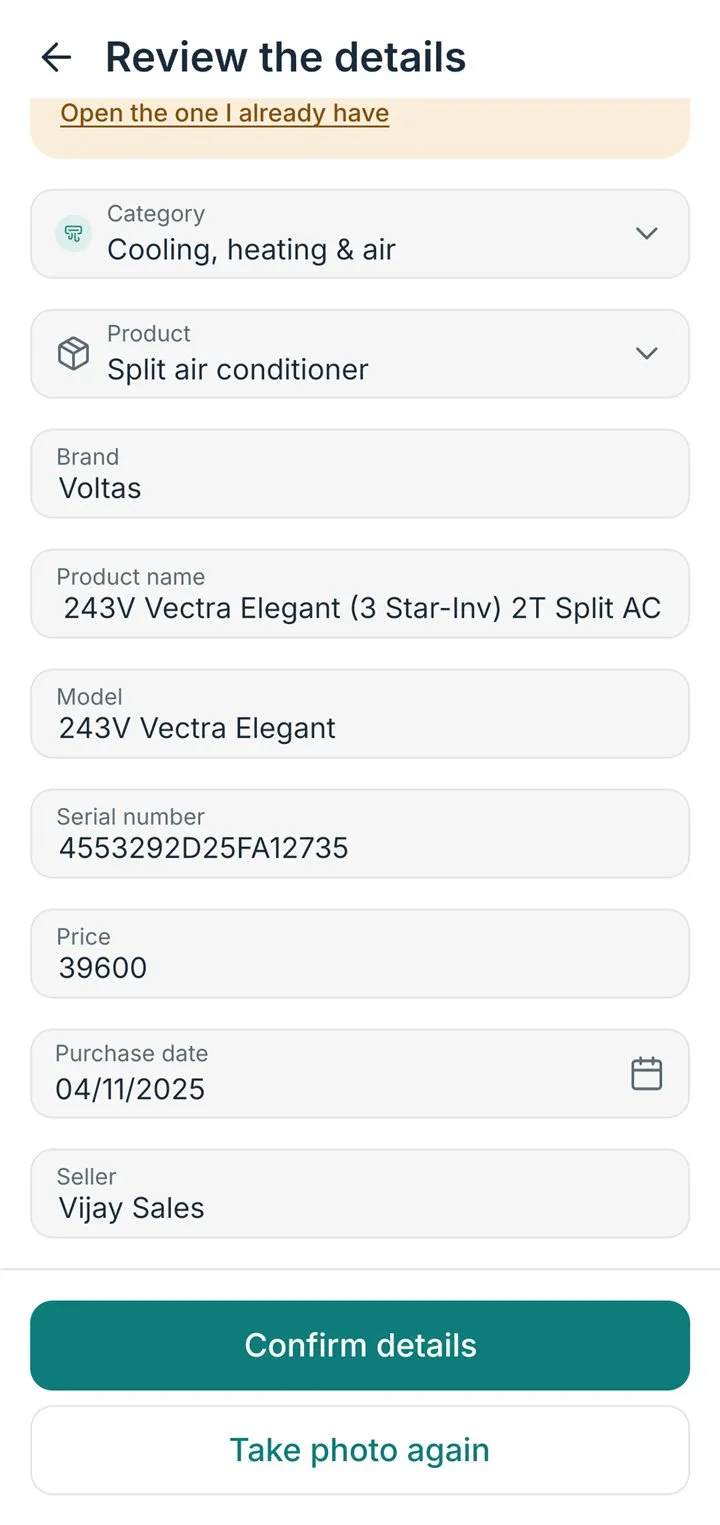
What a scan fills in
- A bill — brand, model, date, price, the GST line.
- A sticker — brand, model, serial number.
- An RC — maker, model, plate, chassis, registration dates.
Each field shows how sure the scan is. Nothing is saved until you tap Save.
How do I add my first thing?
The quickest way is its bill.
- Open HomeButlr and tap the + button at the bottom right (or Scan a bill on Home).
- Choose Scan a bill and photograph the bill, or pick it from your gallery or files.
- I read the brand, model, price and date. Check what I read and fix anything that is off.
- Tap Save. Nothing is saved until you confirm it.
- I then ask about the warranty: confirm the usual one for that kind of thing, or change it.
I don't have the bill. Can I still add it?
Yes, two ways.
- Open HomeButlr and tap the + button at the bottom right.
- Choose Scan a product sticker and photograph the plate with the model and serial number — usually on the back or the side of the appliance. Or choose Add manually and type the details yourself.
- Check what I read, then Save.
A thing added without a bill can have one attached later from its page, with Add a document.
Can I upload a bill instead of photographing it?
Yes.
- Open HomeButlr, tap the + button and choose Scan a bill.
- On the scan screen, instead of taking a photo, pick a photo from your gallery or a PDF from your files — an emailed bill or a retailer download works as well as a paper bill.
- Check what I read, then Save.
I read a PDF the same way I read a photo.
What if the scan reads my bill wrong?
Every scan shows you what I read before anything is saved. Tap any field to fix it. A field I'm unsure about is marked, so you know where to look.