


How it works
Five steps. Then it runs itself.
Put a thing on record once. HomeButlr keeps its papers, watches its dates and reminds you before anything runs out.
Coming soon to both stores.
The loop
From capture to a task marked done.
- 1
Capture
A bill, a product sticker, a vehicle RC, a room on video — or type it in.
- 2
Your thing
Brand, model, date, price, room. The app fills in; you confirm.
- 3
Its warranty
Set the end date, or pick the usual for that kind of thing. Already out of warranty? Say so; it's still kept on record.
- 4
The reminder
A month, a week, a day before — and on the day.
- 5
Done, renewed, or handed over
Mark it, snooze it, or give it to someone in the family.
Reminders
You decide when it reminds you.
Every reminder arrives at your daily time, a set number of days before the date, and never inside your quiet hours. Change any of it in Settings.
Tuesday · 9:00 am

AC warranty ends in 7 days
The bill and the card are on file. Extend it, or note the new date.
Done and Snooze right from the notification on iPhone; on Android, one tap opens the reminder.
Notifications
in SettingsMake it yours
Your assistant, your look, your family.
Name your AI assistant
Pick a face and type a name. Your AI assistant uses them everywhere — in reminders, in chat, when it speaks.
Light, dark, or same as your phone
The whole app switches with one setting, and follows your phone unless you say otherwise.
Bring the family in
Invite everyone who lives there. On Plus, hand a reminder to a person and say who looks after each thing.
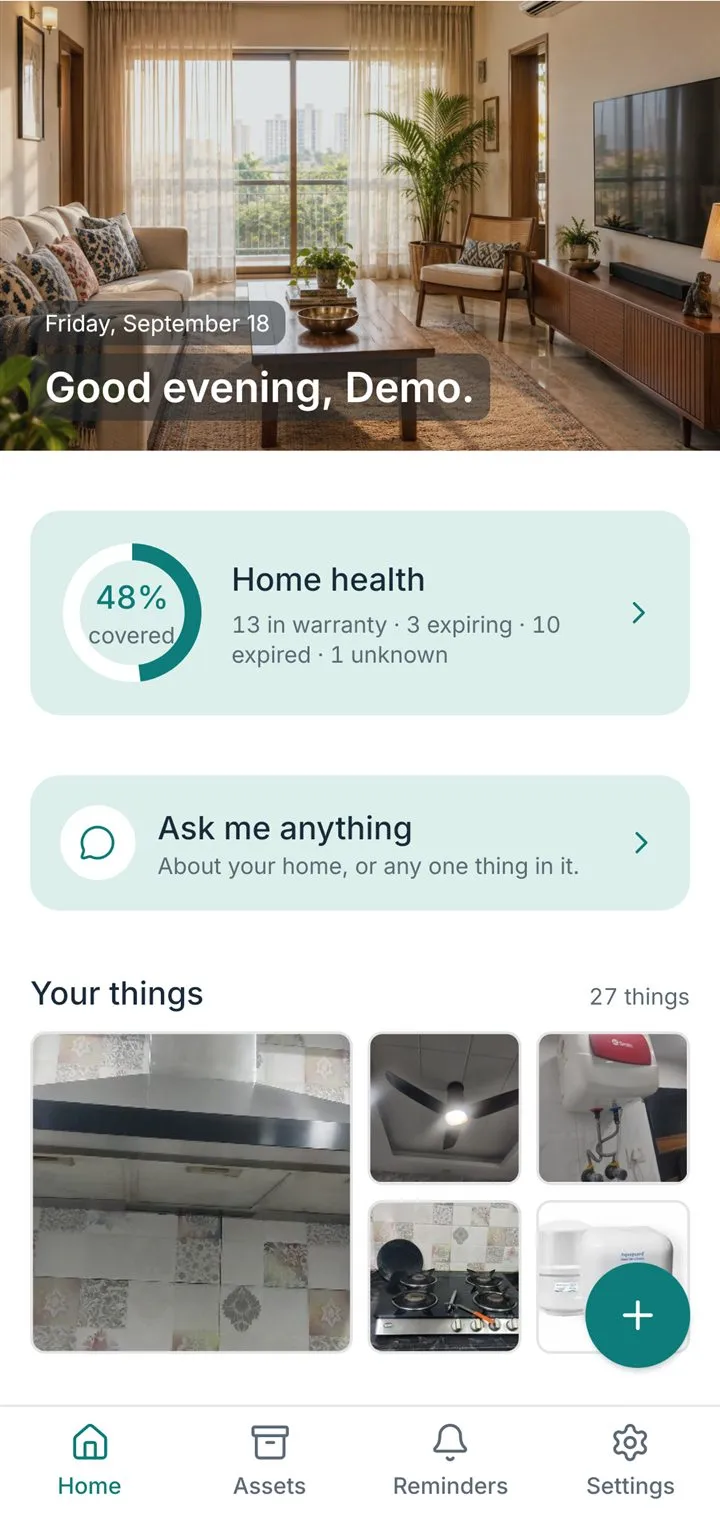
Then
Set up in 60 seconds.
- Your name
- Your home
- Your AI assistant's name and face
- Your first thing
Meet your AI assistant. It takes it from here.
When do reminders arrive?
A set number of days before the date, at your daily reminder time, and never inside your quiet hours. All three are yours to set in Settings → Notifications. A reminder you set yourself fires at the exact time you chose.
Can I set my own reminders?
Yes — for anything, once or repeating, assigned to yourself or to someone in your home. Tap + on the Reminders tab, or just tell me: "remind me to book the AC service on Friday at 5".
What do Done, Snooze and Dismiss do?
Done closes the reminder; for a warranty or AMC I then ask for the new dates. Snooze brings it back later. Dismiss closes it without a new cycle. Nothing is deleted; the History tab keeps a record.