Warranties and papers
What the sticker on the back of your machine actually says
Model, serial, and the two numbers the service centre asks for first.
Every machine in your home carries a small plate or sticker that says exactly what it is. When you call for a repair, the first two things the service centre asks for are written on it — and most people go looking for it for the first time with the phone already at their ear.
This is what the plate says, line by line, and which two lines matter first.
Where it is
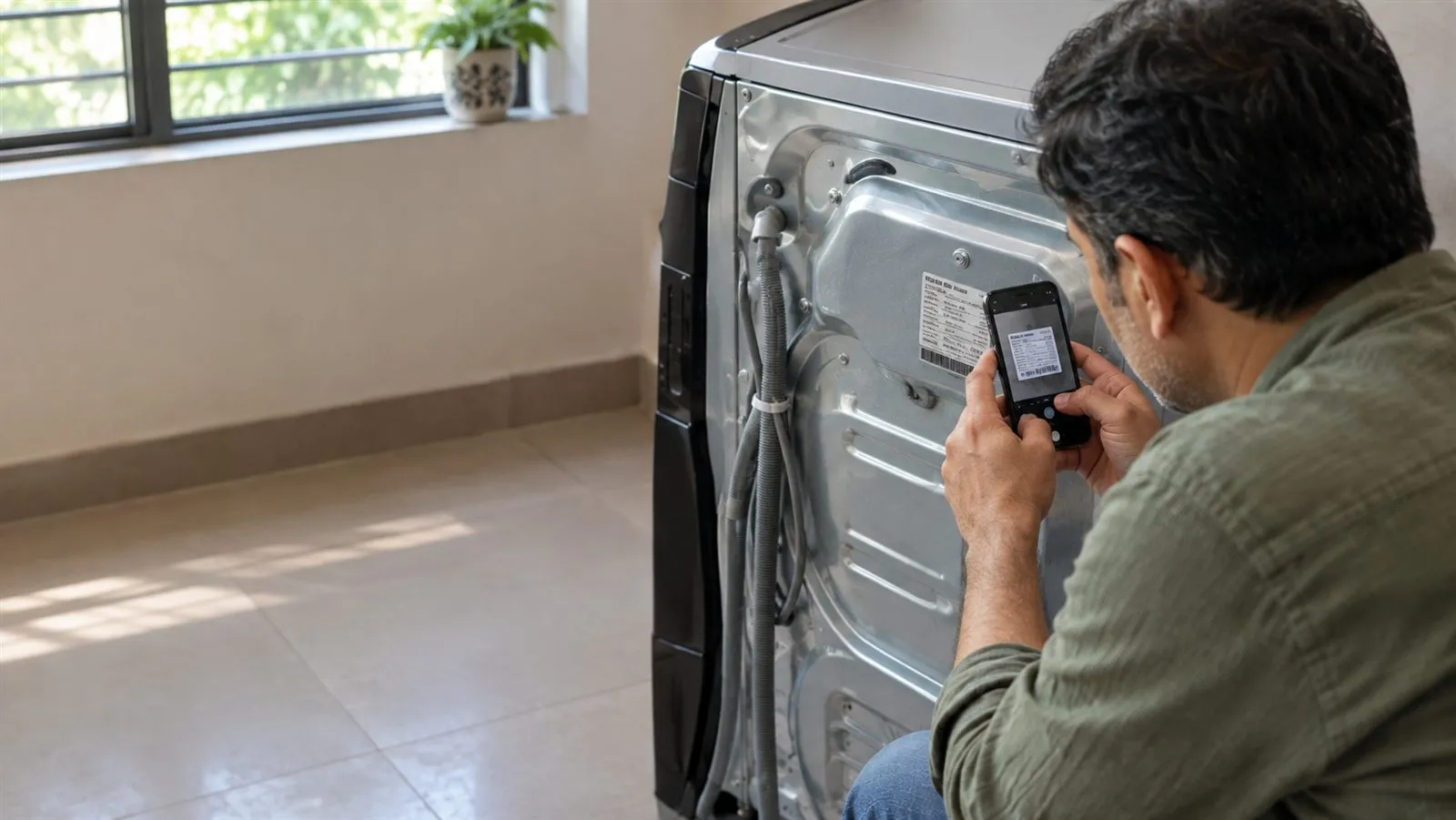
Usually on the back or the side. On a split AC, look on the side of the indoor unit, sometimes under the front panel; the outdoor unit usually has its own. On a refrigerator, try inside, on a wall of the fresh-food section, or at the back. On a washing machine, the back or the inside of the lid. On a television, the back panel.
The two numbers the service centre asks for first
The model number names the design. Every machine of that model has the same one, which is why it is what a technician needs to know which parts fit, which manual applies and what the machine can do.
The serial number names your machine and no other. It is what ties this particular unit to its bill, its warranty and its service history — which is why a service centre asks for it before booking a visit under warranty.
They look alike — a run of letters and digits — so read the words beside them. They are usually labelledModel and Serial No. or S/N.
The rest of the plate
| On the plate | What it tells you |
|---|---|
| Brand and product name | Who made it and what it is. |
| Model number | The design — the same on every machine of that model. |
| Serial number | This one machine. No other has it. |
| Voltage and frequency | The electricity supply it is built for. |
| Power or current | How much it draws, in watts or amperes. |
| Capacity | Litres, kilograms, tonnes — whatever the machine is measured in. |
| Refrigerant | On ACs and refrigerators: the gas inside, and how much. |
| Date or place of manufacture | On some plates plainly, on others inside a code. |
Not every plate has every line, and the order varies. If the date is not written plainly and you need it, ask the maker's customer care, with the serial number to hand.
The model is the design. The serial is your machine.
Stickers that are not it
The energy star label on the front is about how much power the machine uses, not which machine it is. The barcode on the box is the shop's. A service sticker, with a technician's phone number, is the last visit's. None of them replaces the plate.
Keeping it readable
Plates fade in kitchens and on outdoor units, and some sit where you cannot reach once the machine is installed. The day it arrives, before it goes into its corner, photograph the plate. It takes ten seconds, and it is the one picture you will want when something breaks.
In HomeButlr
Tap +, choose Scan a product sticker and photograph the plate. The model and serial are read for you; check them, then Save.